
Most business managers running AI experiments across departments know the frustration: one team uses a chatbot, another runs a script, and nobody's results connect. That scattered approach quietly drains efficiency. A structured AI workflow fixes this by turning isolated AI tasks into coordinated, repeatable systems that actually scale. This guide walks you through exactly how to build one, from the ingredients you need to the metrics that prove it's working, plus honest troubleshooting advice for when things go sideways.
Table of Contents
- What is an AI workflow and why does it matter?
- What you need before creating an AI workflow
- Step-by-step guide: Building your first AI workflow
- Troubleshooting AI workflows: Common mistakes and fixes
- Measuring ROI: What results to expect from an AI workflow
- Next-level: Multi-agent workflows and collaborative AI
- Accelerate your AI workflow with AgentsBooks
- Frequently asked questions
Key Takeaways
| Point | Details |
|---|---|
| Start with a clear process | Mapping and understanding your workflow is the foundation for AI success. |
| Involve the right roles | A CAIO for vision and operators for execution are essential for workflow adoption. |
| Use proven frameworks | The CRAFT cycle guides you from mapping to rollout and minimizes errors. |
| Measure your impact | Tracking efficiency, errors, and adoption shows the ROI of AI workflows. |
| Scale with multi-agent teams | Collaborative AI networks unlock even greater productivity gains. |
What is an AI workflow and why does it matter?
An AI workflow is a defined sequence of steps where AI agents, tools, and human checkpoints work together to complete a business process automatically. Think of it as a production line where each station knows its job, passes work to the next, and flags problems without waiting for a manager to notice.
Without this structure, AI initiatives fail for predictable reasons:
- No clear ownership: Agents act without defined boundaries, causing overlapping or missed tasks
- No feedback loop: Errors repeat because nobody captures what went wrong
- No scalability plan: What works for one team breaks when you add three more
The benefits of a proper workflow are concrete. You get faster cycle times, fewer manual errors, and a system that grows with your business. Improving business workflows with AI consistently shows that structured automation outperforms ad-hoc deployments on every measurable dimension.
"Agentic overreach causes errors. A plan-execute-test-fix cycle delivers 60-80% error reductions in complex AI tasks by keeping agents within defined boundaries at every stage."
The CRAFT cycle is a proven framework for operationalizing AI, guiding teams from initial process mapping all the way through company-wide rollout. Understanding AI workforce management and managing AI at scale are natural next steps once you see how workflows connect individual agents into a functioning system.
What you need before creating an AI workflow
Rushing into workflow design without the right foundation is the number one reason projects stall. Before you write a single prompt or configure a single agent, get these elements in place.
Key roles you need:
| Role | Responsibility |
|---|---|
| Business owner / manager | Defines goals, approves scope, owns outcomes |
| CAIO (Chief AI Officer) | Sets AI vision, selects tools, manages risk |
| AI operator | Builds, tests, and monitors agents day-to-day |
According to operationalization research, the CAIO sets the strategic vision while operators handle execution. Both roles are essential. Without vision, operators build the wrong things. Without operators, vision stays on a slide deck.
What you need before you start:
- Clean, accessible data for the process you're automating
- A chosen platform or set of platforms where agents will run
- Compliance and data privacy review completed
- A change management plan so your team adopts the new workflow
- A clear AI integration checklist reviewed against your current stack
Reviewing AI workforce trends can also help you prioritize which processes are ripe for automation in 2026. For a structured starting point, the step-by-step AI automation guide covers tool selection in detail.

Pro Tip: Start with one high-impact, low-risk process. Customer inquiry routing or invoice data extraction are ideal first candidates. Nail one workflow completely before expanding.
Step-by-step guide: Building your first AI workflow
The CRAFT cycle gives you a repeatable method: Clear Picture, Realistic Design, AI-ify, Feedback, Team Rollout. Here's how each step works in practice.
- Clear picture: Map the existing process end-to-end. Document every input, decision point, and output. Identify where humans spend the most time on repetitive tasks.
- Realistic design: Slice out a minimum viable piece of the process. Don't automate everything at once. Pick the one step that delivers the most value with the least risk.
- AI-ify: Build and test your agent or workflow in a sandbox environment. Use real data samples, not synthetic ones, so you catch edge cases early.
- Feedback: Run the workflow in a limited live environment. Collect error logs, user feedback, and performance data. Fix issues before expanding.
- Team rollout: Train your team, document the workflow, and hand off monitoring responsibilities to your AI operator.
Simple vs. complex workflow comparison:
| Factor | Simple workflow | Complex workflow |
|---|---|---|
| Number of agents | 1 | 3 or more |
| Human checkpoints | 1 or 2 | Multiple, with escalation paths |
| Data sources | Single | Multiple, cross-platform |
| Build time | Days | Weeks to months |
| Risk level | Low | Medium to high |
For guidance on agentic AI compliance, especially when agents make decisions autonomously, review your legal and data handling requirements before the AI-ify step. The AI workforce guide and collaborative AI resources explain how agents can work together once your first workflow is stable.
Pro Tip: Keep your feedback loops short. A weekly review of error logs and output quality in the first month catches problems before they compound into bigger failures.
Troubleshooting AI workflows: Common mistakes and fixes
Even well-planned workflows hit problems. Here are the three most common errors and how to fix them fast.
Mapping gaps: The process map skipped edge cases that happen regularly in real operations.
- Fix: Shadow your team for two days before mapping. Real work always differs from documented procedures.
Unclear handoffs: The agent completes its task but the next step (human or AI) doesn't know it's their turn.
- Fix: Define explicit trigger conditions for every handoff. Use status flags or notifications, not assumptions.
Lack of feedback: The workflow runs but nobody reviews outputs, so errors accumulate silently.
- Fix: Build a weekly review into your calendar from day one. Assign one person to own the error log.
"The plan-execute-test-fix pattern cuts errors by 60-80% in complex AI tasks. Iterative testing isn't optional. It's the mechanism that makes AI workflows reliable over time."
For deeper operational fixes, the AI-driven operations guide covers advanced troubleshooting scenarios. Revisiting AI workforce management principles also helps when you're diagnosing coordination failures between agents.
Measuring ROI: What results to expect from an AI workflow
You can't manage what you don't measure. Before launch, record your baseline numbers. After 30, 60, and 90 days, compare them against these key metrics.
Performance metrics to track:
- Cycle time: How long does the process take from start to finish? Expect 30-60% reductions in well-designed workflows.
- Error rate: How often does the output require manual correction? Target under 5% after the feedback phase.
- User adoption rate: What percentage of your team uses the workflow consistently? Below 70% signals a training or UX problem.
- Cost per transaction: Compare labor cost per unit before and after automation.
- Escalation frequency: How often does the AI hand off to a human? High rates mean the workflow scope is too broad.
CRAFT-driven operationalization enables rapid rollout and company-wide gains when metrics are tracked from the start. Staying current on AI workforce trends helps you benchmark your results against what leading organizations are achieving. For a forward-looking view, the future of operational AI resource outlines where automation benchmarks are heading in 2026.
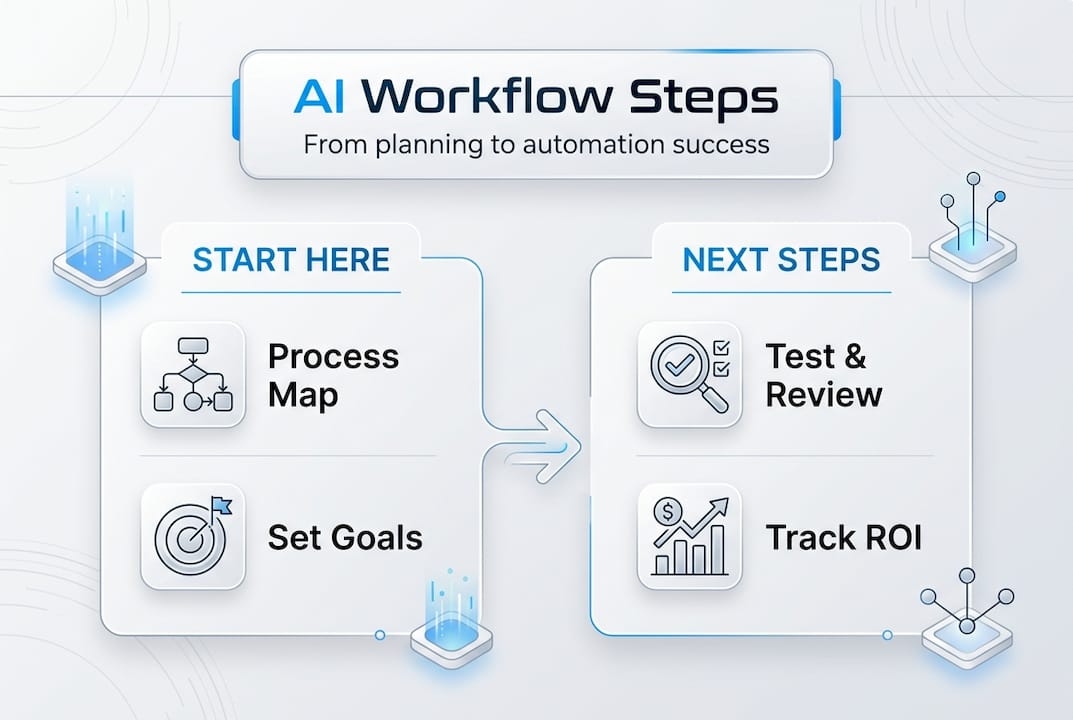
Collect these metrics through your platform's analytics dashboard, your CRM, or a simple shared spreadsheet. The method matters less than the consistency.
Next-level: Multi-agent workflows and collaborative AI
Once your first workflow is stable and delivering results, you're ready to think bigger. Multi-agent workflows assign specialized agents to different parts of a process, letting them collaborate the way a skilled team does.
Multi-agent teams and collaborative platforms boost sophistication and coverage in business automation, enabling scenarios that a single agent simply can't handle.
Common scenarios where multi-agent workflows shine:
- Cross-platform content operations: One agent drafts, another reviews, a third publishes across channels
- Customer support pipelines: Triage agent routes tickets, specialist agents handle categories, escalation agent flags complex cases
- Sales and CRM automation: Lead scoring agent qualifies, outreach agent personalizes messages, reporting agent updates dashboards
- Compliance monitoring: One agent scans documents, another flags anomalies, a third generates audit reports
The main challenge with multi-agent setups is coordination. Agents need clear communication protocols and defined authority boundaries. Without them, you get the same chaos you had before, just faster. Explore the essential types of AI automation to understand which automation model fits each scenario. The AI multi-agent teams resource walks through how to structure agent networks for real business operations.
Accelerate your AI workflow with AgentsBooks
Building a reliable AI workflow takes the right platform behind it. AgentsBooks is designed specifically for business owners and managers who want to move from scattered AI experiments to coordinated, scalable agent systems without needing a developer on call.
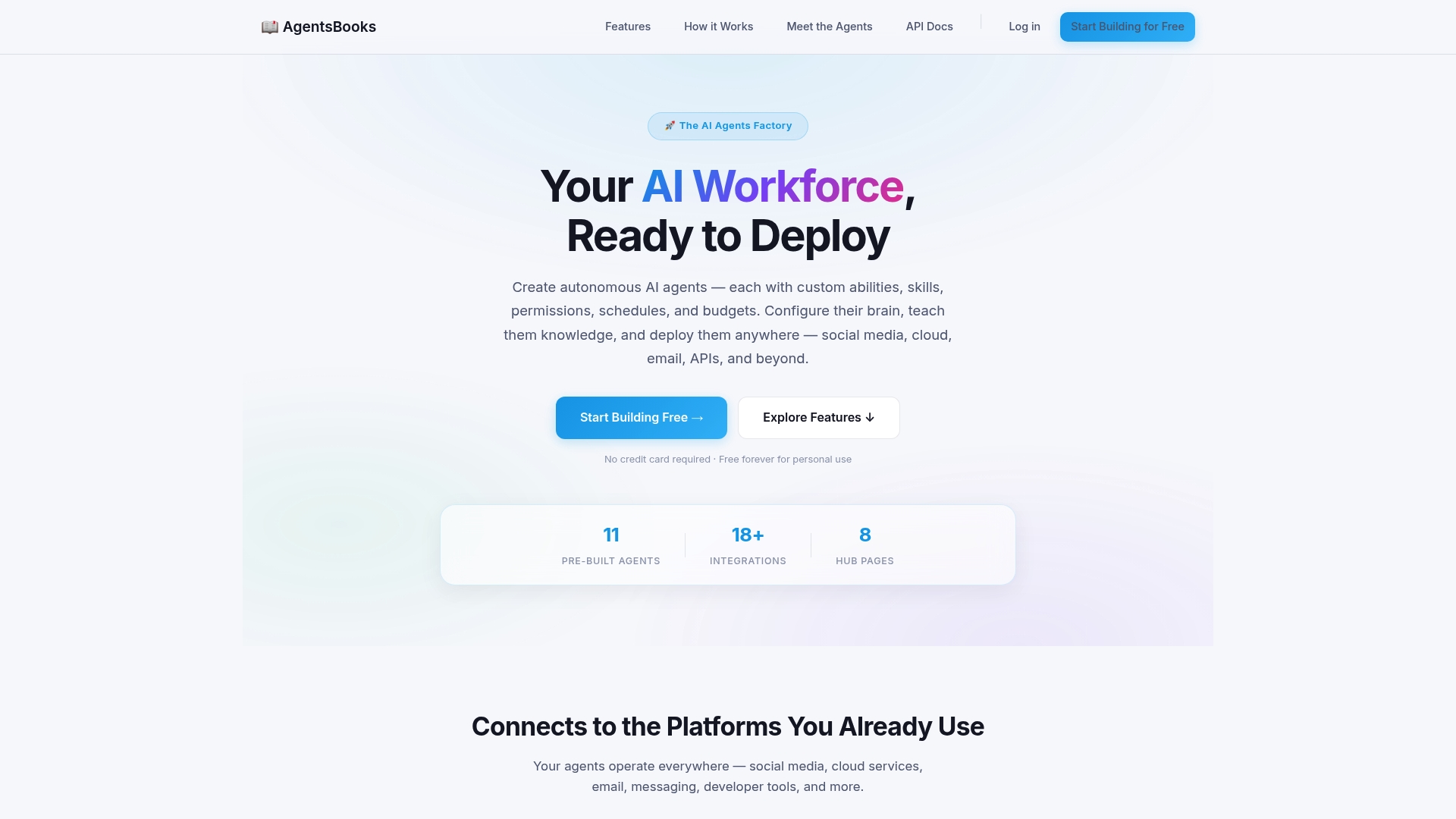
The AgentsBooks platform supports every step covered in this guide: agent creation via descriptive profiles, knowledge ingestion from multiple sources, trigger-based task automation, and full multi-agent teams for cross-platform operations. You can configure agents with GPT or Claude brains, set permissions and behavioral rules, and deploy across social media, email, APIs, and messaging platforms. The agent creation features make it straightforward to go from idea to live deployment in three steps, even without a technical background. If you're ready to stop experimenting and start operating, AgentsBooks gives you the infrastructure to do it right.
Frequently asked questions
What is the CRAFT cycle in AI workflow creation?
The CRAFT cycle is a five-step method for operationalizing AI: map the process, design a realistic scope, build and test, collect feedback, then roll out to your full team.
Which roles are needed to create and run an AI workflow?
You need a business owner or manager to own outcomes, a CAIO for vision and tool selection, and AI operators who build and monitor agents daily.
How can I reduce errors in complex AI tasks?
Apply a plan-execute-test-fix loop consistently. This iterative pattern reduces workflow errors by up to 60-80% by catching problems before they spread.
What should I measure to track AI workflow ROI?
Track cycle time, error rate, user adoption, cost per transaction, and escalation frequency before and after launch. Consistent performance metric tracking is what separates teams that improve from teams that guess.
When should I scale from a single AI agent to a multi-agent workflow?
Scale up when your single-agent workflow is stable, your team has adopted it fully, and you have new processes that require multi-agent collaboration across platforms or departments.
Recommended
- Step-by-step AI automation guide for business efficiency in 2026
- Configure AI brains for business automation in 2026
- Examples of autonomous agents for business workflows
- AI Clone Your Business — Turn Every Role into an AI Agent Workforce — AgentsBooks
- Improving Business Workflows with AI: Achieve Automation | Ailerons IT Consulting