
Manual workflows drain productivity and slow decision making. Business leaders and developers need scalable solutions to automate repetitive tasks and deploy intelligent systems across digital platforms. AI agents offer autonomous capabilities that transform how organizations handle routine operations, customer interactions, and data processing. This guide walks you through preparing infrastructure, executing deployment, troubleshooting common issues, and verifying results. You'll learn practical steps to integrate AI agents into your existing workflows, avoid costly mistakes, and measure real business impact. Whether you're launching your first agent or scaling an AI workforce, these strategies help you deploy faster and smarter.
Table of Contents
- Preparing For AI Agent Deployment
- Step By Step AI Agent Deployment Process
- Troubleshooting And Avoiding Common Deployment Mistakes
- Verifying Deployment Success And Measuring Impact
- Explore Agentsbooks AI Agent Solutions
- Frequently Asked Questions
Key takeaways
| Point | Details |
|---|---|
| Preparation essentials | Identify automation goals, assemble data sets, and ensure infrastructure readiness before deployment. |
| Deployment workflow | Follow structured steps from provisioning to testing to live rollout for optimal results. |
| Troubleshooting strategies | Recognize configuration errors, integration failures, and performance issues early to minimize disruption. |
| Success verification | Use KPIs, analytics tools, and stakeholder reviews to measure agent effectiveness and guide improvements. |
Preparing for AI agent deployment
Successful AI agent deployment starts long before you configure your first instance. You need clear objectives, robust infrastructure, and organized data. Effective AI deployment requires clear prerequisites such as data readiness, infrastructure, and defined goals to avoid wasted effort and technical debt.
Start by identifying specific automation goals aligned with your business workflows. Which repetitive tasks consume the most team hours? Where do manual handoffs create bottlenecks? Document these pain points with quantifiable metrics like processing time, error rates, or customer wait times. This clarity guides your agent design and helps you measure success later.
Next, assemble the data sets and training resources your agents need. AI agents perform best when they access relevant, high quality information. Gather documentation, historical transaction records, customer interaction logs, and domain specific knowledge bases. Clean and structure this data so agents can ingest it efficiently. Poor data quality leads to unreliable agent responses and erodes user trust.
Infrastructure readiness matters just as much as data. Evaluate whether your current cloud or on premises systems can handle additional computational loads. AI agents require processing power for natural language understanding, decision making, and real time responses. Consider scalability from the start. Can your infrastructure support ten agents today and a hundred next quarter? Plan for growth to avoid costly migrations later.
Selecting the right AI frameworks and platforms determines how smoothly you'll integrate agents into your tech stack. Look for solutions that support the large language models you prefer, offer robust APIs, and provide developer friendly tools. Platforms like AI domain expert operators deliver specialized capabilities for different business functions, reducing the time you spend building custom solutions.
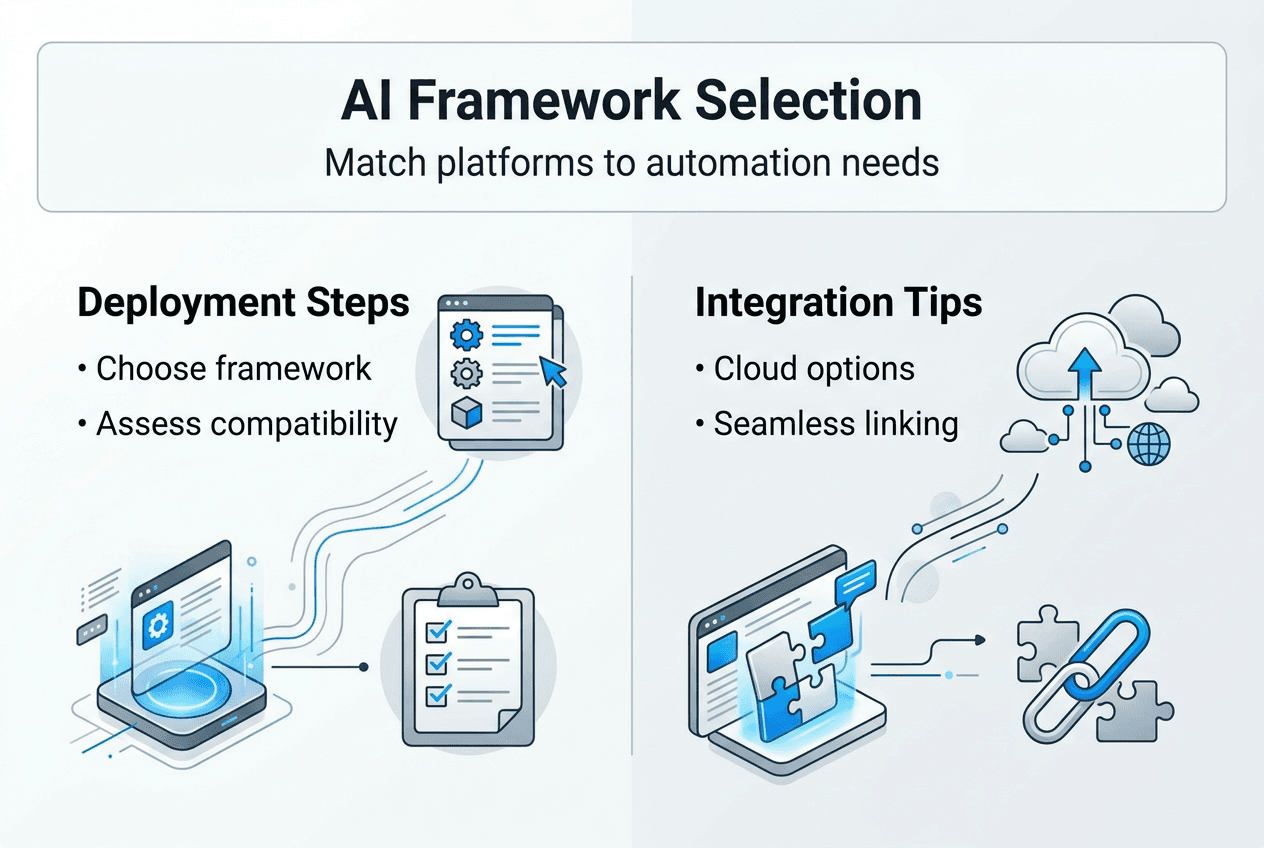
Finally, map out integration points with your existing digital platforms. Where will agents interact with users? Which systems need API connections? How will agents authenticate and access secure data? Create a detailed integration diagram showing data flows, authentication mechanisms, and fallback procedures. This blueprint prevents surprises during deployment and ensures your agents work seamlessly with tools your team already uses.
Pro Tip: Run a small pilot project before full scale deployment. Deploy one agent for a single workflow, measure results, and refine your approach. This reduces risk and builds organizational confidence in AI automation.
Essential preparation checklist:
- Define measurable automation goals tied to business outcomes
- Audit and organize data sources for agent training
- Verify infrastructure capacity and scalability
- Choose compatible AI frameworks and platforms
- Document all integration points and dependencies
| Preparation Element | Key Considerations | Common Pitfalls |
|---|---|---|
| Goals | Specific, measurable, time bound objectives | Vague targets without success metrics |
| Data | Quality, relevance, accessibility | Incomplete or poorly structured information |
| Infrastructure | Compute capacity, network bandwidth, security | Underestimating resource requirements |
| Platform | API flexibility, model support, developer tools | Vendor lock in or limited customization |
| Integration | Authentication, data flow, error handling | Overlooking edge cases and failure modes |
Step by step AI agent deployment process
Deploying AI agents follows a structured workflow that minimizes errors and maximizes success. A structured deployment workflow optimizes success and reduces errors during AI agent implementation, turning complex technical challenges into manageable steps. This process takes you from initial setup through live production rollout.
Start by provisioning AI agent instances using dedicated creation tools. Modern platforms simplify this with intuitive interfaces that let you define agent personalities, capabilities, and constraints. Use agent creation features to specify what your agent should do, which data sources it can access, and how it should handle different scenarios. Name your agents descriptively so teams can quickly identify their functions.
Configuration comes next. Set behavioral parameters that align with your business requirements. Does your agent need formal or conversational tone? Should it escalate complex requests to humans or attempt resolution independently? Define domain expertise by connecting agents to knowledge bases, APIs, and internal systems. The more precise your configuration, the better your agent performs in production.

Integration connects your agents to business platforms and communication channels. Link agents to email systems, messaging apps, CRM software, or custom APIs. Test authentication flows to ensure agents can access necessary resources without compromising security. Configure webhooks and event triggers so agents respond to the right signals. Platforms supporting AI domain expert operators often provide pre built integrations that accelerate this step.
Thorough testing in sandbox environments catches issues before they affect real users. Create test scenarios covering common interactions, edge cases, and failure modes. Monitor how agents handle ambiguous requests, missing data, or system timeouts. Validate that responses match your quality standards and business policies. Iterate on configuration based on test results until agent behavior consistently meets expectations.
Roll out to live systems gradually. Start with a small user group or low risk workflow. Monitor performance closely during initial deployment. Watch for unexpected behaviors, integration failures, or performance bottlenecks. Collect feedback from early users and make adjustments. Once you've confirmed stability, expand deployment incrementally. This phased approach limits exposure if problems arise and gives you time to optimize before full scale launch.
Pro Tip: Document every configuration decision and integration detail. This documentation becomes invaluable when troubleshooting issues, onboarding new team members, or scaling deployments across additional workflows.
Deployment process steps:
- Provision agent instances with clear naming and purpose definitions
- Configure behavioral parameters and domain expertise settings
- Integrate with target platforms using secure authentication
- Execute comprehensive testing in isolated sandbox environments
- Deploy to production incrementally with close monitoring
- Gather user feedback and iterate on configuration
- Scale deployment as confidence and performance metrics improve
Troubleshooting and avoiding common deployment mistakes
Even well planned deployments encounter obstacles. Recognizing and addressing common agent deployment errors saves time and improves outcomes, turning potential failures into learning opportunities. Understanding frequent pitfalls helps you respond quickly and prevent recurring issues.
Configuration errors top the list of deployment problems. Agents might misinterpret instructions, access wrong data sources, or apply inappropriate logic. When this happens, review your configuration parameters systematically. Check that knowledge base connections point to current information. Verify that behavioral rules match your intended use cases. Test individual components in isolation to identify where logic breaks down.
Integration failures disrupt workflows and frustrate users. APIs change, authentication tokens expire, or network issues block communication. Build robust error handling into your integrations from the start. Implement retry logic for transient failures. Log detailed error messages that help you diagnose root causes quickly. Maintain fallback procedures so critical workflows continue even when agents encounter problems.
Unexpected agent behaviors signal deeper issues with training data or configuration. An agent might provide outdated information, misunderstand context, or respond inappropriately to user requests. Monitor agent interactions continuously during early deployment. Flag anomalies for review. Update training data to address knowledge gaps. Refine prompts and instructions to reduce ambiguity.
Iterative testing and feedback loops prevent small issues from becoming major problems. Don't treat deployment as a one time event. Schedule regular reviews of agent performance. Collect feedback from users and stakeholders. Track metrics like response accuracy, resolution time, and user satisfaction. Use these insights to guide ongoing improvements. Platforms like AI DevOps engineering agents can automate much of this monitoring and optimization work.
Backup and rollback strategies provide safety nets when deployments go wrong. Before making configuration changes or deploying new agent versions, create snapshots of working configurations. Document rollback procedures so any team member can revert to stable versions quickly. Test your rollback process in non production environments to ensure it works when you need it.
"The most successful AI deployments treat troubleshooting as continuous improvement rather than crisis management. Build monitoring, feedback, and iteration into your standard operating procedures from day one."
Pro Tip: Create a troubleshooting playbook documenting common issues, diagnostic steps, and proven solutions. This resource speeds resolution and helps team members solve problems independently.
Common deployment mistakes to avoid:
- Skipping comprehensive testing before production rollout
- Underestimating integration complexity with legacy systems
- Ignoring data quality issues in training materials
- Deploying without clear success metrics or monitoring
- Failing to plan for rollback when problems occur
- Neglecting user training and change management
- Overlooking security and compliance requirements
Verifying deployment success and measuring impact
Deployment isn't complete until you've confirmed agents work as intended and deliver measurable business value. Quantitative and qualitative metrics are crucial for assessing AI agent deployment success, providing evidence that justifies continued investment and guides optimization efforts.
Key performance indicators (KPIs) translate agent activity into business outcomes. Track metrics aligned with your original automation goals. If you deployed agents to reduce response times, measure average handling duration before and after implementation. If the goal was cost reduction, calculate labor hours saved. If you aimed to improve customer satisfaction, monitor feedback scores and resolution rates. Choose KPIs that matter to stakeholders and demonstrate clear ROI.
Analytics tools help you monitor agent interactions and outcomes systematically. Modern platforms provide dashboards showing conversation volumes, resolution rates, escalation frequency, and user satisfaction scores. Dig deeper into individual interactions to understand where agents excel and where they struggle. Look for patterns in failed requests or negative feedback. This granular data reveals opportunities for improvement.
Regular stakeholder reviews ensure AI agents continue meeting business needs. Schedule monthly or quarterly sessions where you present performance data, discuss challenges, and align on priorities. Include representatives from teams that interact with agents daily. Their frontline perspective identifies issues that metrics might miss. Use these sessions to celebrate wins, address concerns, and plan enhancements.
Iterative improvement cycles turn good deployments into great ones. Analyze performance data to identify high impact optimization opportunities. Maybe agents need additional training on specific topics. Perhaps integration with another system would eliminate manual handoffs. Or configuration adjustments could improve response quality. Prioritize changes based on potential impact and implementation effort. Deploy improvements incrementally and measure results.
Scaling successful agent deployments multiplies their value across your organization. Once you've proven an agent works well for one workflow, look for similar use cases. Can the same agent handle related tasks with minor configuration changes? Would other departments benefit from comparable automation? Platforms supporting AI multi agent teams make it easier to coordinate multiple agents working together on complex workflows.
Pro Tip: Create a success dashboard that stakeholders can access anytime. Real time visibility into agent performance builds confidence and makes it easier to secure resources for expansion.
| KPI Category | Example Metrics | Measurement Frequency |
|---|---|---|
| Efficiency | Tasks completed per hour, average handling time | Daily |
| Quality | Accuracy rate, error frequency, user satisfaction | Weekly |
| Cost | Labor hours saved, operational cost reduction | Monthly |
| Scale | Active agents, workflows automated, user adoption | Monthly |
| Business Impact | Revenue influenced, customer retention, NPS | Quarterly |
Steps to verify and optimize deployment:
- Define KPIs tied directly to business objectives
- Implement analytics tools for comprehensive monitoring
- Collect qualitative feedback from users and stakeholders
- Conduct regular performance reviews with cross functional teams
- Identify optimization opportunities from data and feedback
- Deploy improvements incrementally with A/B testing
- Scale successful patterns to additional workflows
- Document lessons learned for future deployments
Explore AgentsBooks AI agent solutions
Ready to accelerate your AI agent deployment? AgentsBooks AI agents factory provides everything you need to create, configure, and deploy autonomous agents across your digital platforms. The platform eliminates technical complexity with intuitive tools that work for teams with minimal AI experience.
Specialized AI domain expert operators deliver pre configured capabilities for functions like customer service, data analysis, and content creation. These ready to deploy agents reduce setup time from weeks to hours. When single agents aren't enough, AI multi agent teams coordinate complex workflows through intelligent collaboration. Agents share context, divide tasks, and deliver results faster than manual processes ever could.
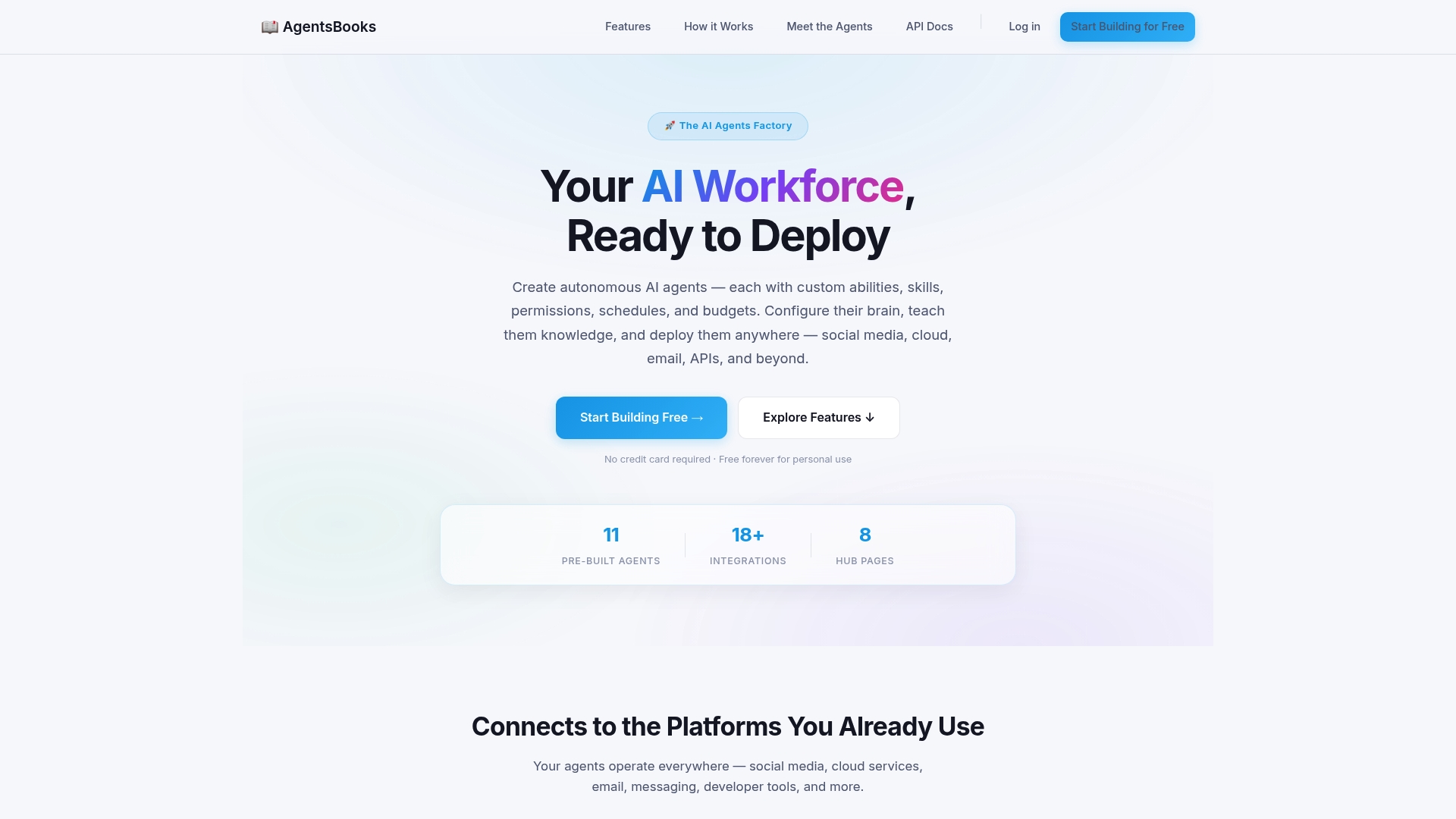
AgentsBooks simplifies iteration and scaling. Modify agent behaviors without coding. Add new capabilities through simple configuration changes. Deploy across email, messaging platforms, APIs, and cloud services from a single dashboard. Whether you're automating your first workflow or orchestrating an AI workforce, AgentsBooks gives you the agility to adapt as business needs evolve.
Frequently asked questions
What are AI agents and why are they important for businesses?
AI agents are autonomous software programs that perform tasks without constant human supervision. They analyze information, make decisions, and execute actions based on predefined rules and learned patterns. For businesses, agents reduce manual workload by handling repetitive tasks like data entry, customer inquiries, and report generation. This automation frees employees for strategic work while accelerating processes that previously required hours or days. Agents also improve consistency by applying the same logic to every task, reducing human error.
Which platforms are best for deploying AI agents in 2026?
Cloud based platforms offer the best combination of flexibility, scalability, and ease of use for most organizations. AgentsBooks AI agents factory provides comprehensive tools for creating and managing agents without deep technical expertise. The right choice depends on your specific integration needs, preferred large language models, and domain requirements. Look for platforms with robust APIs, strong security features, and active developer communities. Evaluate whether pre built integrations exist for your critical business systems.
How can businesses measure the ROI of AI agent deployments?
Track automation efficiency by measuring tasks completed per hour compared to manual processes. Calculate cost savings from reduced labor hours and operational expenses. Monitor error reduction to quantify quality improvements. Customer satisfaction scores and Net Promoter Scores reveal how agents affect user experience. Workflow speed improvements show up in metrics like average handling time and time to resolution. Compare these metrics before and after deployment to demonstrate clear ROI. Most businesses see measurable returns within three to six months of successful deployment.
What common mistakes should be avoided during AI agent deployment?
Insufficient testing causes the most deployment failures. Organizations rush to production without validating agent behavior across diverse scenarios. Unclear goals lead to agents that technically work but don't deliver business value. Ignoring integration complexity with existing systems creates bottlenecks and data silos. Poor data quality undermines agent performance no matter how sophisticated your configuration. Skipping user training means employees don't know how to work effectively with agents. Finally, deploying without monitoring and feedback mechanisms prevents you from identifying and fixing issues quickly. Address these areas systematically for smoother deployments.